Cuentos con Ddolbeng
Coloca a tus amigos y crea tu propia historia
Qué es
- Se elige un fondo, se coloca a un amigo y se decide qué está haciendo y cómo se siente.
- Se añaden objetos y un bocadillo, y la viñeta está lista. Hasta veinte viñetas en un cómic.
- Las viñetas se arrastran para cambiar el orden. Primero, después, luego, al final: el esqueleto de una historia.
- Cuando está terminado, se lee. Esa es la pantalla con la que un niño gira la tableta para enseñarla.
Ver los dieciséis juegos en un vídeo
Qué aprende un niño
No se examina nada y no se puntúa nada. El aprendizaje está en los materiales.
- Palabras - 60 fondos, 852 objetos, 20 amigos. Todo lo que toca un dedo tiene nombre.
- Emociones - elegir una cara es elegir una emoción: contento, triste, sorprendido, curioso.
- Secuencia - reordenar las viñetas es la práctica. No hay un orden equivocado.
- Decir y escribir - quien todavía no sabe escribir toca una palabra para ponerla; quien sabe, la escribe.
Para los padres
- No hay una respuesta correcta. No hay huecos que rellenar, ni puntuación, ni estrellas. Lo que ha hecho el niño es la respuesta.
- No se insiste. No hay notificaciones ni rachas.
- No hay anuncios ni compras. No hay nada que un niño pueda pulsar por error.
- No hay una galería con el trabajo de otros niños. Aquí no existe un espacio donde los niños se vean entre ellos.
- Todo se queda en este dispositivo. No se recoge nada mientras un adulto no vincule una cuenta, y esa es su decisión.
- Los ajustes están detrás de una pulsación larga de tres segundos.
What each screen is for
Written so you can read it aloud to your child if that helps.
Look at the ⚙ at the top right first. Everything a grown-up needs is behind it — language, sound, saving a picture, deleting a story, linking an account. It opens only after a three-second press-and-hold, so a child will not wander in.
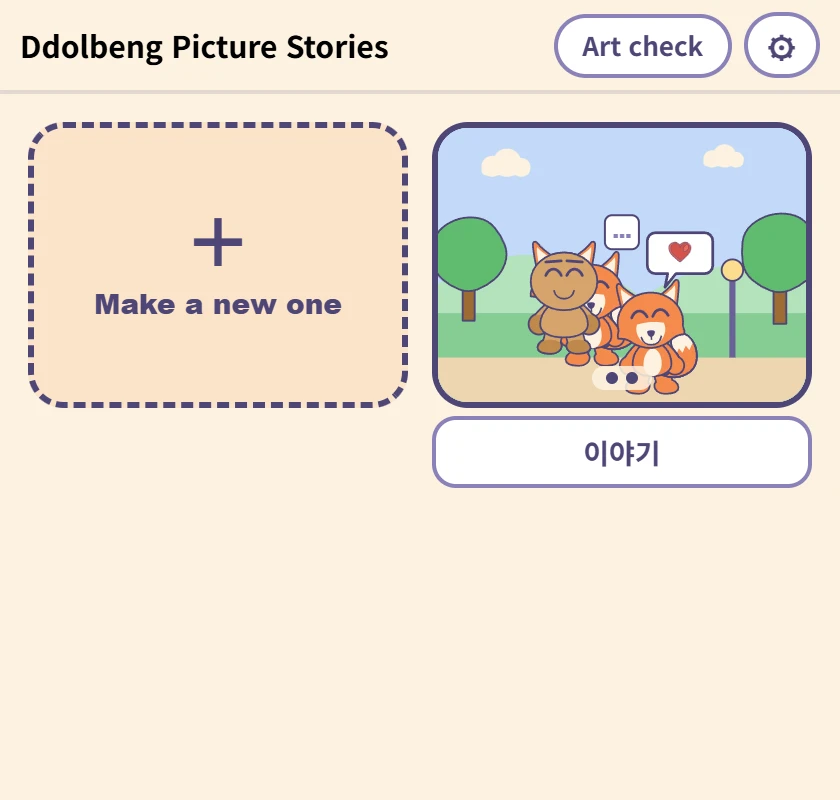
The list
Where the stories a child has made live. The picture is the first panel, and the box underneath is the name — type in it and it saves, with nothing to press. It comes with a name already, for children who cannot write one yet.
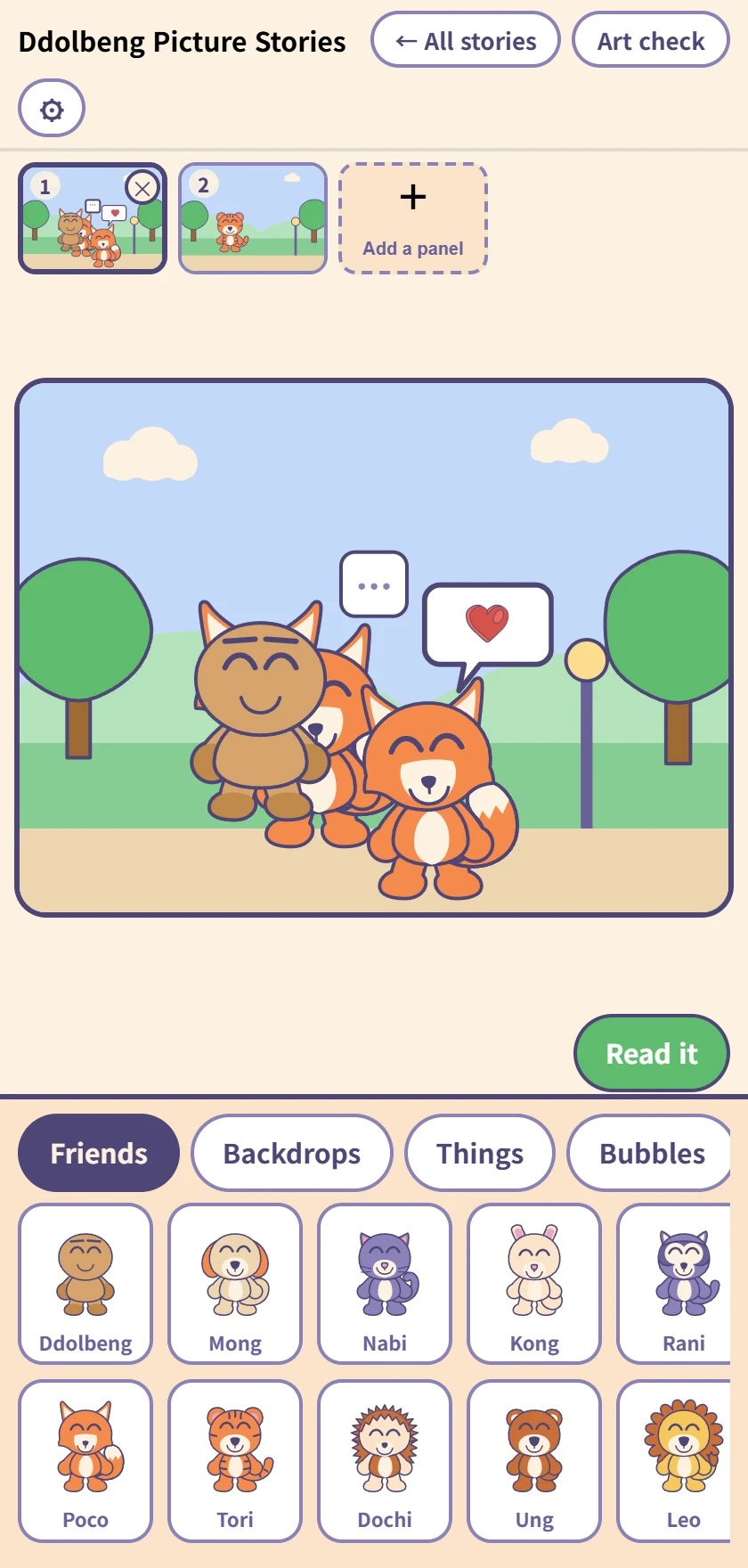
Making a comic
The row of panels at the top, the panel being worked on in the middle, and the drawer below. Tap a friend, backdrop, thing or bubble to put it in; once it is in, it drags.
Up to twenty panels, and dragging the little pictures at the top changes their order. Undo and redo reach everything.
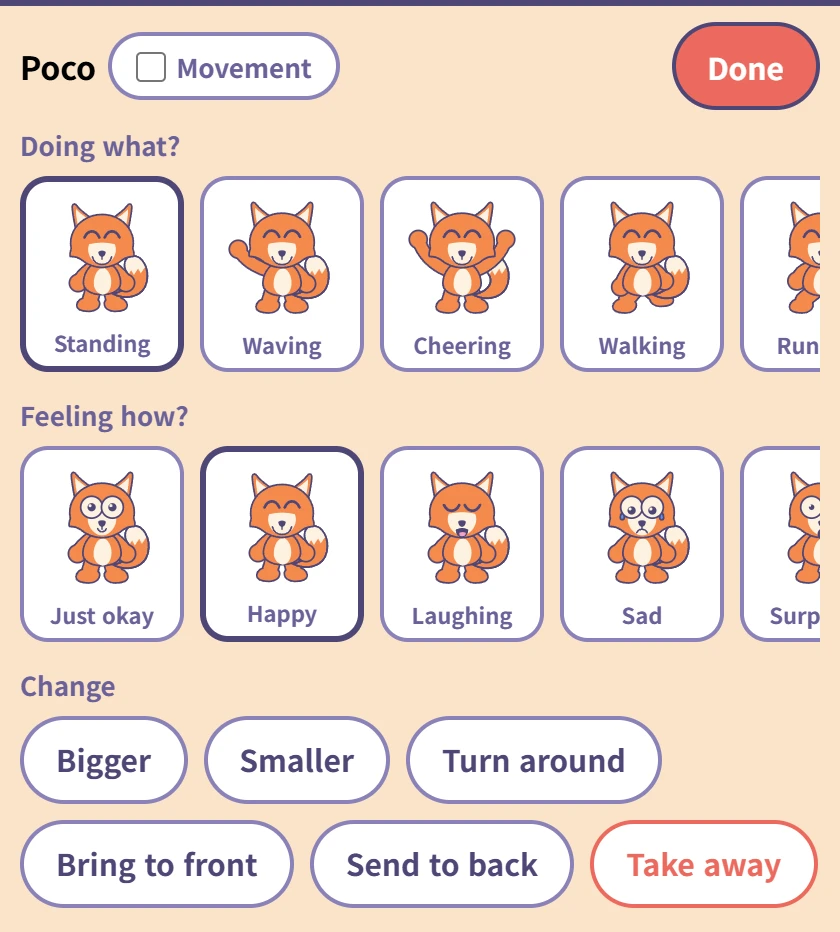
Tapping a friend you placed
Choose what they are doing (ten poses) and how they feel (ten faces). Each one has its word underneath, so a child who cannot read yet still meets the word when you read it to them.
The Movement tick beside the name makes that friend move on screen — saved pictures always show them still. The red Done at the top right goes back to the drawer.
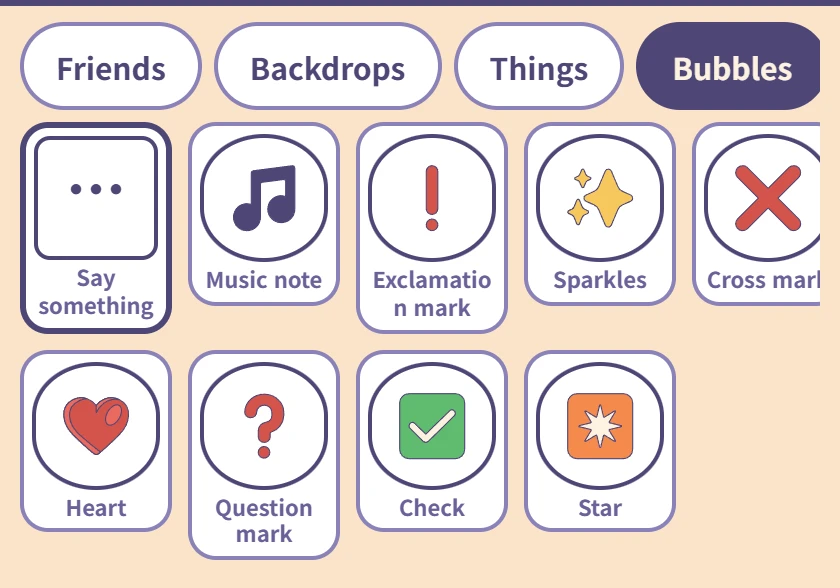
Bubbles
Only Say something, on the left, takes words. A child who cannot spell taps in Hi! · Thank you · Let's play; one who can, types.
The rest are picture bubbles — a heart, a music note, a question mark, and nothing to type.
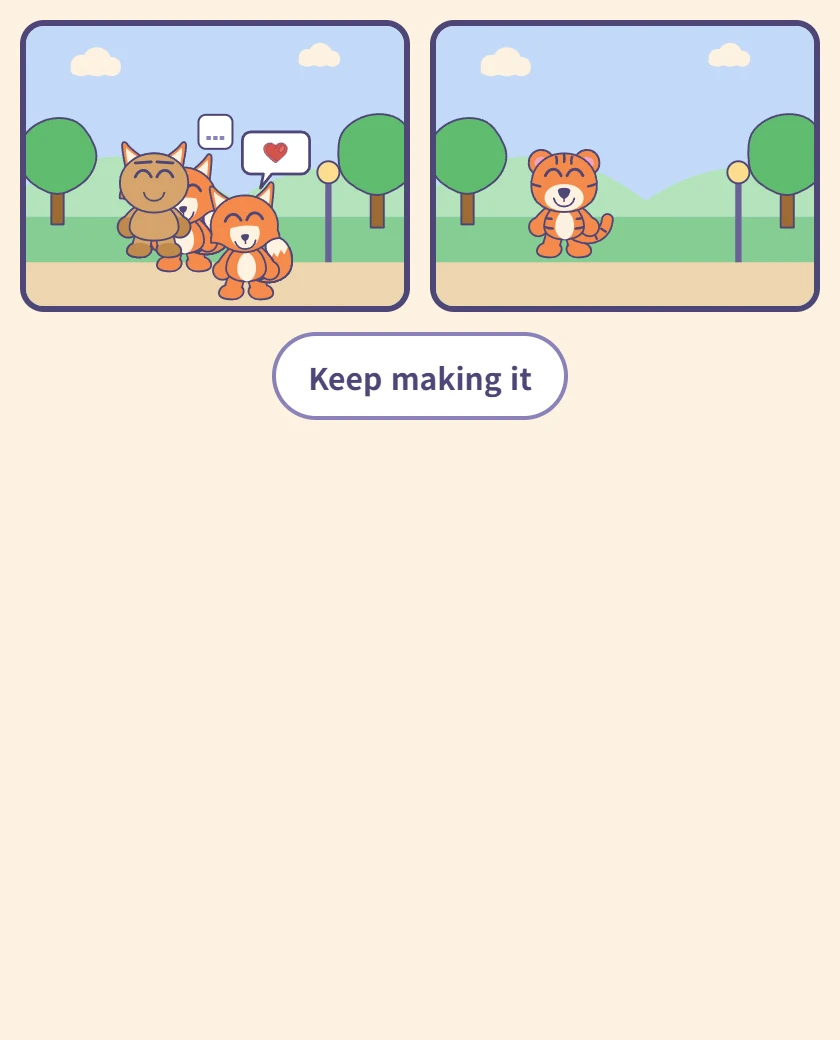
Reading it
The panels in order on one screen. This is the screen a child turns the tablet around with, so there is nothing else on it.
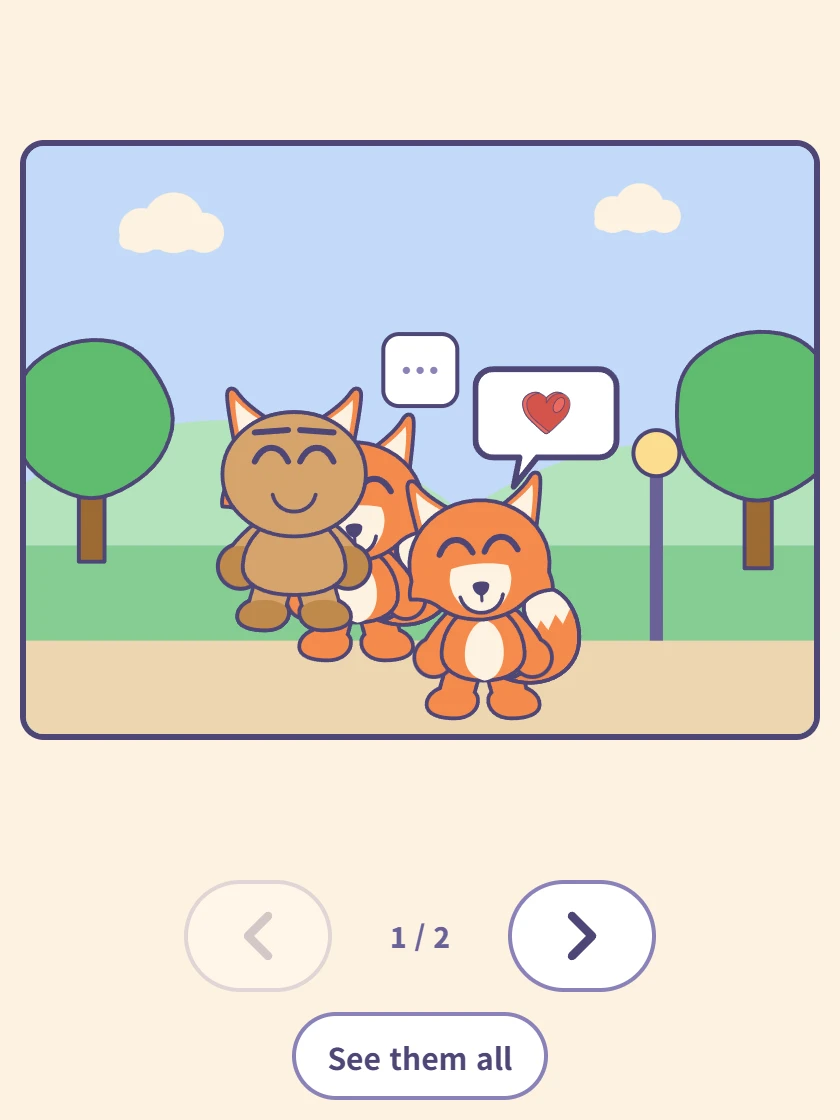
One panel at a time
Tap a panel and it fills the screen. The arrows underneath move forward and back, and the counter shows where you are.
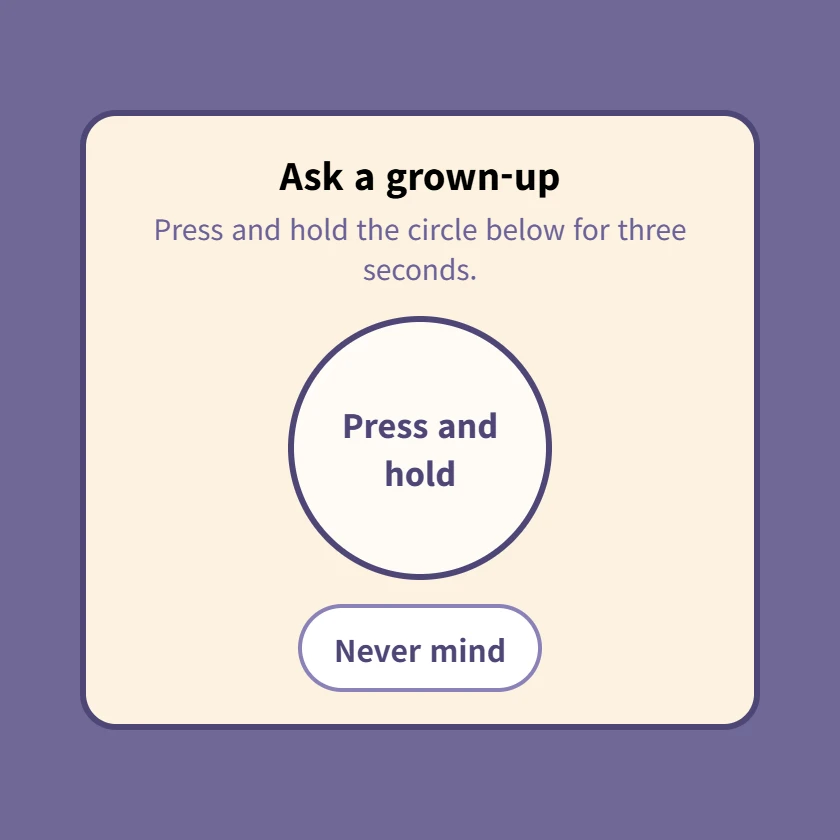
⚙ The grown-up check
Pressing ⚙ brings this up first. Hold the circle for three seconds; letting go starts it over. Settings and account linking are all behind it.
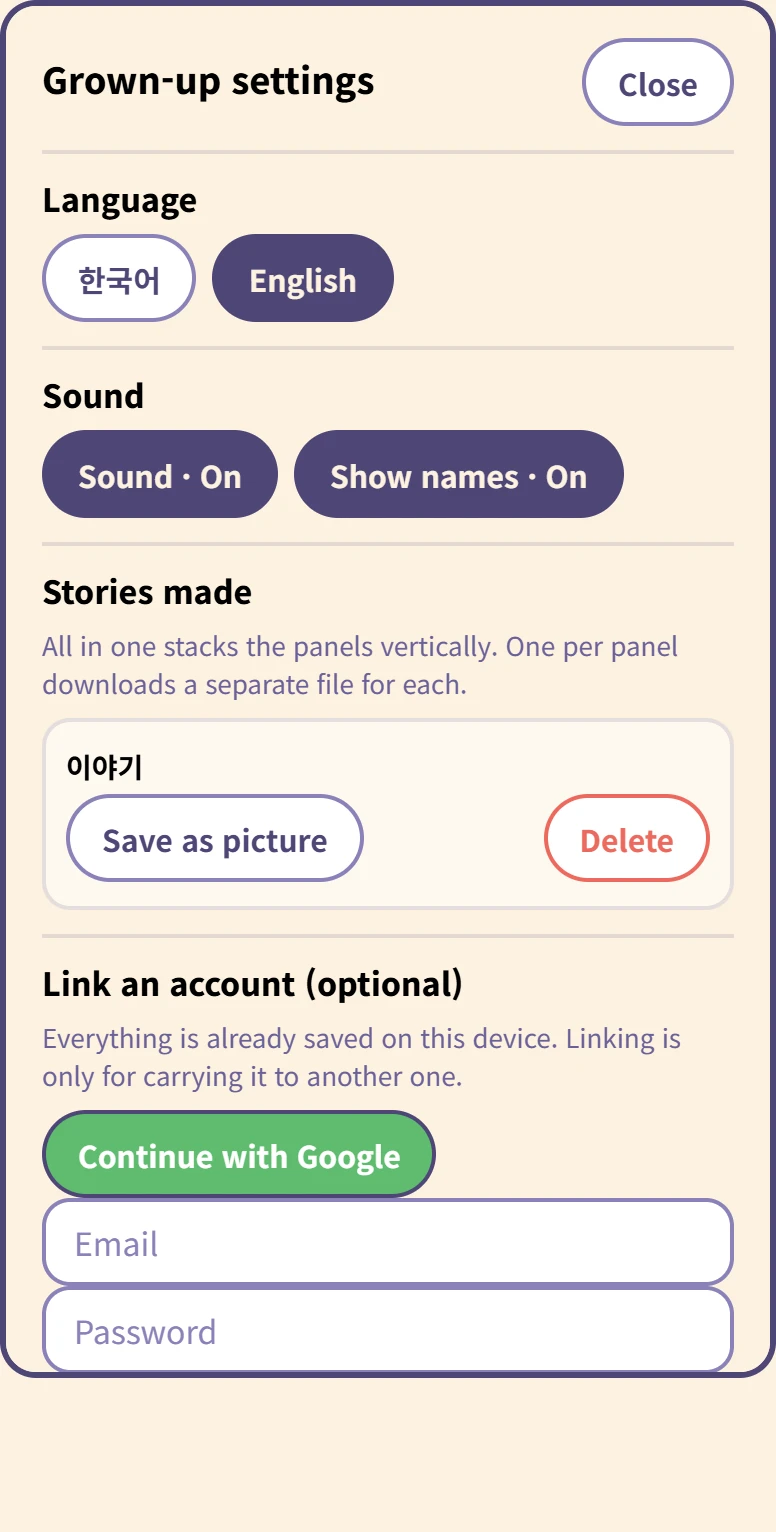
Inside the grown-up settings
Language and sound, and for each story Save as picture and Delete.
Saving asks whether you want all in one (panels stacked vertically) or one per panel. Deleting asks again, because it cannot be undone.
At the bottom, linking an account is optional. Everything is already on this device, and nothing uploads by itself.
Cómo funciona el guardado
No hay botón de guardar. El cómic se guarda en este dispositivo mientras el niño trabaja, y sigue ahí cuando se cierra la pestaña. Un niño de cinco años no va a pulsar guardar, y un cómic perdido al cerrar una pestaña es un cómic hecho para nada.
Vincular una cuenta es otra cosa: sirve solo para llevar los cómics a otro dispositivo, y solo se sube cuando lo pulsa un adulto.
Qué hace falta
Nada. Se abre en el navegador, sin instalación y sin registro.